 Smarter QR Code
 Frequently asked questions
Everything you need to know about Smarter QR Code and smart QR code routing.

Tap to view full size
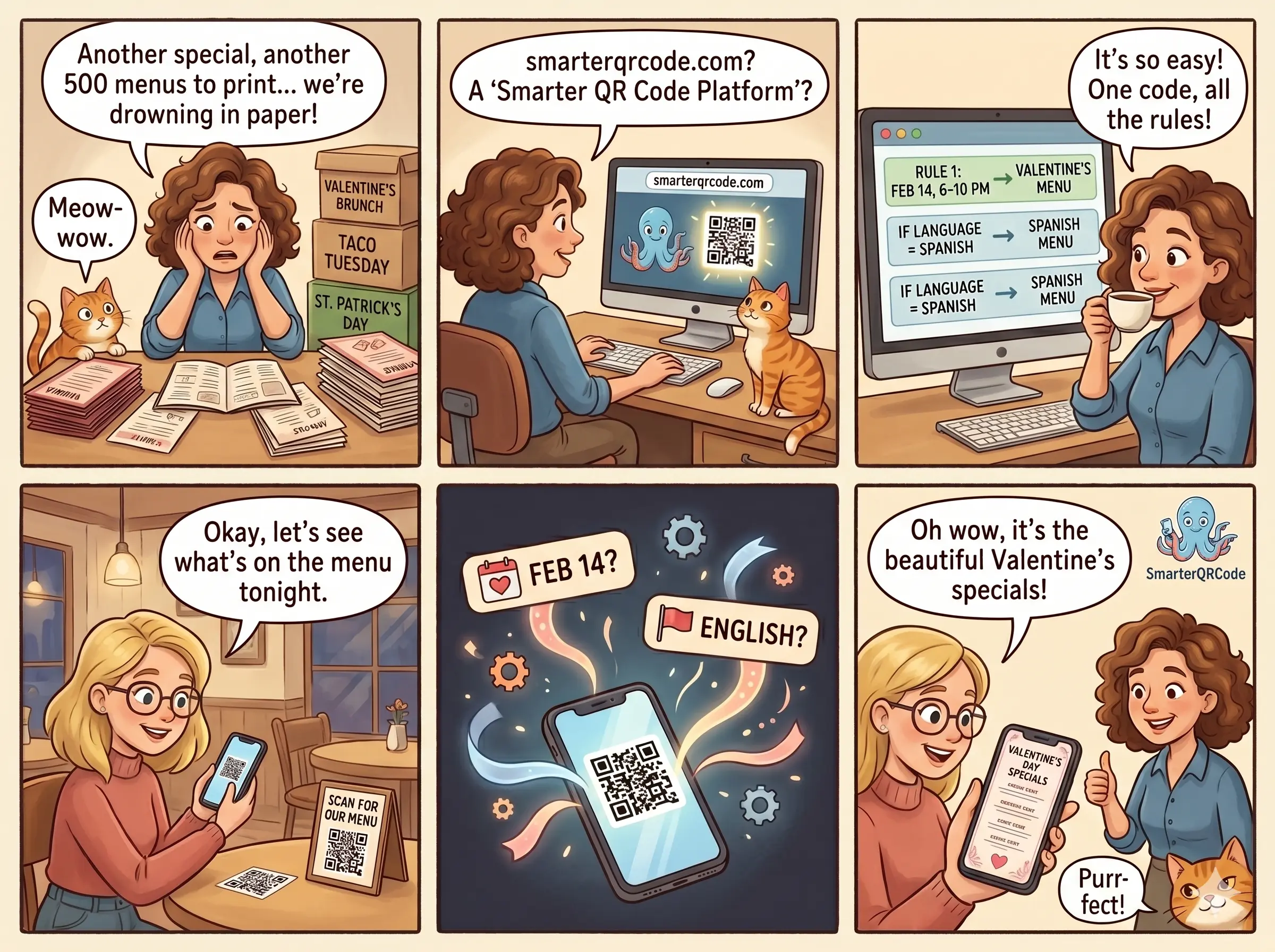
Smarter QR Code is smart QR code routing. One code, many destinations. Configure rules from the dashboard and every scan gets routed to the right URL based on time, day, date, language, location, device, or an A/B split. The printed QR code never changes.
Most QR code tools sell a code generator and tack routing on as an expensive upsell. Smarter QR Code sells the routing engine. The QR code is just the delivery mechanism. One flat yearly price for unlimited codes and unlimited scans, cancel anytime, and a visual rule simulator so you can verify rules before printing a single sign. Start free with 3 codes and a new one every day, and only pay when you want rules to route live.
Three kinds of QR codes. A static QR code encodes one URL directly into the pattern, so the destination is permanent and changing it means reprinting every sign (we don't offer these). A dynamic QR code points at a short URL you control, so you can swap the destination anytime from your dashboard without reprinting, though every scan still goes to one place. A smart QR code is a dynamic code with rules: each scan can resolve to a different URL based on time, day, date, language, location, device, or an A/B split. One code, many destinations.
Route by time of day, day of week, date range, combined date and time, language, location, device, or an A/B split. Each code supports up to 10 rules with priority ordering. First match wins, with your base URL as the fallback.
Email support@smarterqrcode.com and tell us what you're trying to do. We'll work with you on it, whether that's a way to set it up with the rules we already have or a new kind of rule.
Every code has a base URL that acts as the fallback. If no rule matches at scan time, the visitor lands there.
Each rule picks its own timezone. The dropdown defaults to your browser's timezone, but you can change it per rule if your business runs in a different zone.
No. Your code points to a permanent short URL on Smarter QR Code. All routing logic lives on our servers. Add, remove, or reorder rules from the dashboard and the next scan reflects the change.
Yes, and it's not a trial. Create 3 dynamic QR codes right away and a new one every day after that, change their destination anytime, and get unlimited scans. Free codes never expire. They include full styling (colors, shapes, gradients, and an emoji or icon in the center), a total scan count, and the full rule builder, so you can build and test rules before you pay. Scans pass through a short hold page with your business name and colors (no ads) on their way to your link.
Free: 3 dynamic codes right away and a new one every day, with an editable URL, unlimited scans, full styling with an emoji or icon in the center, a total scan count, and the full rule builder and simulator. Paid ($60/year per account): unlimited codes, rules run live on every code, full stats, your own uploaded logo on your codes and hold page, and instant redirects with no hold page.
They stay exactly as you built them, and the simulator keeps working so you can test them. They just don't run on live scans: on the free plan, every scan goes to your base URL. Subscribe later and your existing rules start routing immediately, with nothing to rebuild.
One plan per account: $60/year, billed yearly. It covers every code in your account, so there are no per-code fees and nothing to count. There's no monthly option.
It's our launch price. Subscribe at $60/year and that's what you'll keep paying for as long as your subscription stays active. If you cancel and come back later, you'll pay whatever the price is then.
No. One plan covers one business and all of its codes. If you run more than one business, each one needs its own account and plan.
No, on purpose: a printed code should always lead somewhere. Instead of pausing it, point it at a different page. You can change a code's base URL anytime, and the next scan goes there. If you're done with a code for good you can delete it, but then any printed copies stop working.
A short page that appears between the scan and the redirect, with your business name, a short message, your colors and font, your logo, and a small "Powered by Smarter QR Code" badge. It also names the website the scan is headed to and has a "Report this code" button, so people can trust where they're going. You set it up once on the Brand page. On the free plan every scan shows it for 2 seconds (no ads). On the paid plan, scans go straight to your link with no page at all, except for codes with a location rule: the phone has to share its location first, so scanners see your hold page for that moment.
smqrcode.com is Smarter QR Code's scan address. Every code you make links there, and it sends each scan on to your page. It's short on purpose: a shorter link makes a simpler code with bigger dots, which scans more easily from small print. It also keeps the links people scan separate from the Smarter QR Code site and app. When your customers point their camera at a code, smqrcode.com is the address they'll see before they open it.
Yes. Every code has a built-in rule simulator. Pick a date, time, language, or location, run a simulation, and watch each rule evaluate step by step.
Yes. Free codes show a total scan count. The paid plan adds full stats (scans over time, busiest hours and days, which rule matched, devices and browsers): the last 12 months in detail, plus all-time totals. Scans are counted on the free plan too, so your history is already there when you upgrade. We don't store personal information about the people scanning your codes.
Pick a center point on the map and a radius. When someone scans the code, we ask the browser for GPS coordinates first. If they decline or the browser can't share them, we fall back to the approximate location derived from their IP address.
Detected from the scanner's browser, and iPads count as iOS. Route iOS scanners to the App Store, Android to Play, desktop visitors to your web signup, or any combination of iOS, Android, Windows, macOS, Linux, or other.
Splits traffic by percentage for A/B testing. Set a rule to match 50% of scans and point it at version A, with version B on a lower-priority rule or the base URL. Each scan re-rolls. Not sticky per visitor.
Language rules look at the language the scanner's phone is set to. Route Spanish speakers to the Spanish page and everyone else to the default. Backup languages the phone also lists don't count.
On the free plan you get 3 codes right away and a new one every day after that. The paid plan lifts the daily limit (up to 100 new codes a day). You may need fewer than you think: one smart code can send breakfast scans to one menu and dinner scans to another.
Your first 3 codes are ready right away, which covers most setups. After that, a free account can make one new code every 24 hours, and deleted codes still count, so deleting and recreating doesn't reset it. The limit keeps the free plan sustainable and hard to abuse. Before adding another code, check whether a rule can do the job: one smart code on a table can show the breakfast menu in the morning and the dinner menu at night. The $60/year plan removes the limit. Have an unusual need? Email support@smarterqrcode.com.
No. Sign-ups from temporary or disposable email services (the kind that give you an inbox for a few minutes) are blocked, so people can't keep making throwaway accounts to get around our rules. Use an email address you'll keep: it's where your sign-in codes and anything about your account and billing go.
We retry automatically over the next two weeks, and your plan stays active in the meantime. If every retry fails, your account moves to the free plan: every code keeps redirecting, but rules stop running, full stats and your uploaded logo switch off, and scans pause on your hold page again until you subscribe. Your rules and settings stay intact, and your printed codes keep working.
Yes. Yearly billing, no cancellation fees. Cancel and your paid features stay on until the end of the year you've paid for. After that, your codes keep working on the free plan.
Still have questions?
Browse real-world use cases for inspiration, or jump in and build your first code.